
School Campus
Access and shared facilities for campus life
Coordinate visitor entry, staff and student verification, room bookings and occupancy-based lighting across the campus.
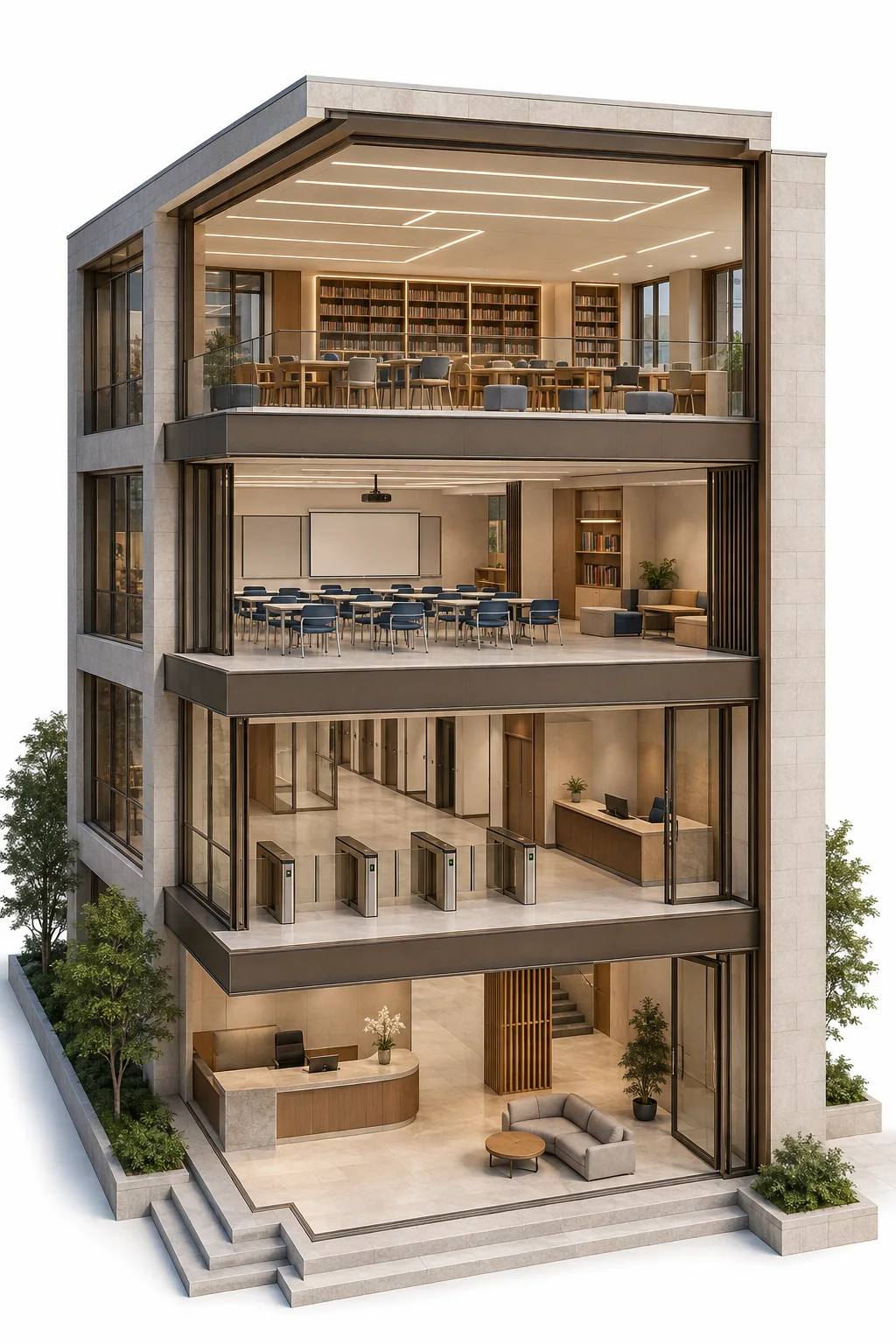
Campus entrance & visitors
Review visits before guests arrive.
- Online visitor forms
- Staff approval
- Temporary access QR codes
Identity & attendance
Verify staff and students at campus access points.
- Dynamic QR verification
- Authorised academic areas
- Attendance recording
Shared campus facilities
Link room reservations to entry times.
- Online room booking
- Confirmation QR codes
- Access during booked periods
Room lighting
Keep lighting in step with room use.
- People-flow detection
- Automatic switching
- Unoccupied-room lighting control

For administrators
Challenges
Visitor approval, identity checks and shared rooms need coordination, while lights left on in empty spaces add unnecessary energy use.
Advantages
Approve visitor access
Review visitor forms before issuing temporary QR codes for campus entry.
Support attendance recording
Use QR-based identity verification to support staff and student attendance records.
Respond to room occupancy
Use people-flow detection to switch configured lights on and off as rooms are used.
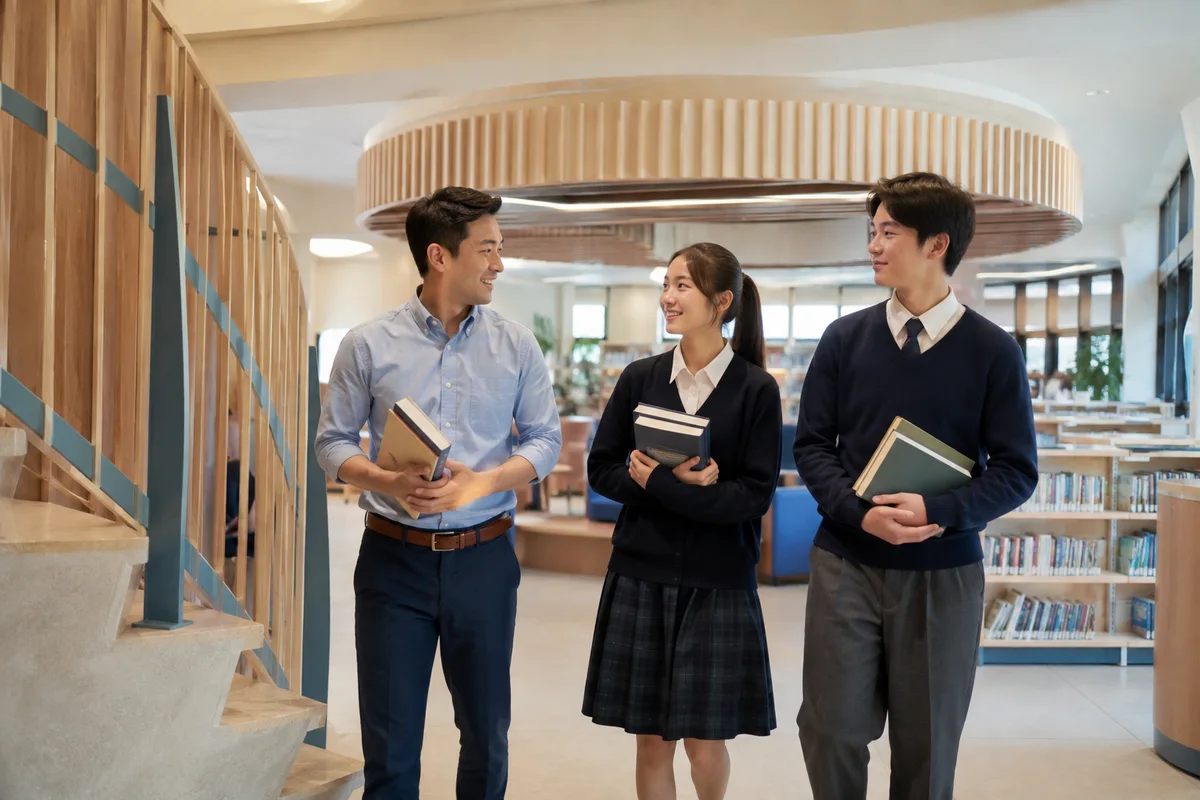
For staff and students
Challenges
Entering teaching areas and finding available shared rooms can require separate checks and enquiries during a busy day.
Advantages
Use your campus QR code
Enter authorised academic areas with a valid dynamic QR code.
Reserve a shared room
Book meeting rooms, study rooms and multifunctional spaces online.
Enter during your booking
Use the QR code from a confirmed reservation within the booked period.
Campus entrance & visitors
Review visits before guests arrive.
Staff create a visitor form and confirm the submitted information. Approved visitors receive a temporary QR code for campus access.
Explore the solution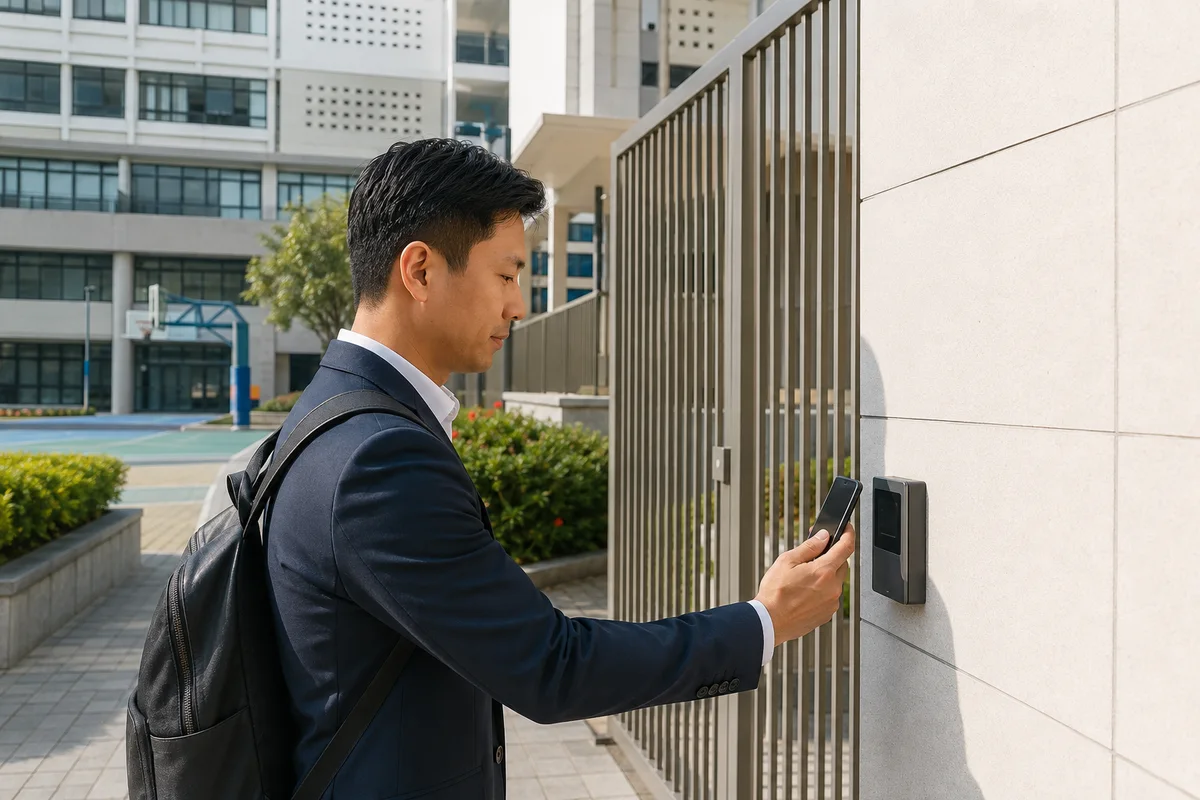
Identity & attendance
Verify staff and students at campus access points.
Valid dynamic QR codes give staff and students access to permitted academic buildings, libraries and teaching rooms. Identity verification also supports attendance recording.
Explore the solution- Dynamic QR verification
- Authorised academic areas
- Attendance recording
Shared campus facilities
Link room reservations to entry times.
Staff and students can reserve meeting rooms, study rooms and multifunctional spaces online. Once confirmed, the booking provides a QR code for entry during the reserved period.
Explore the solution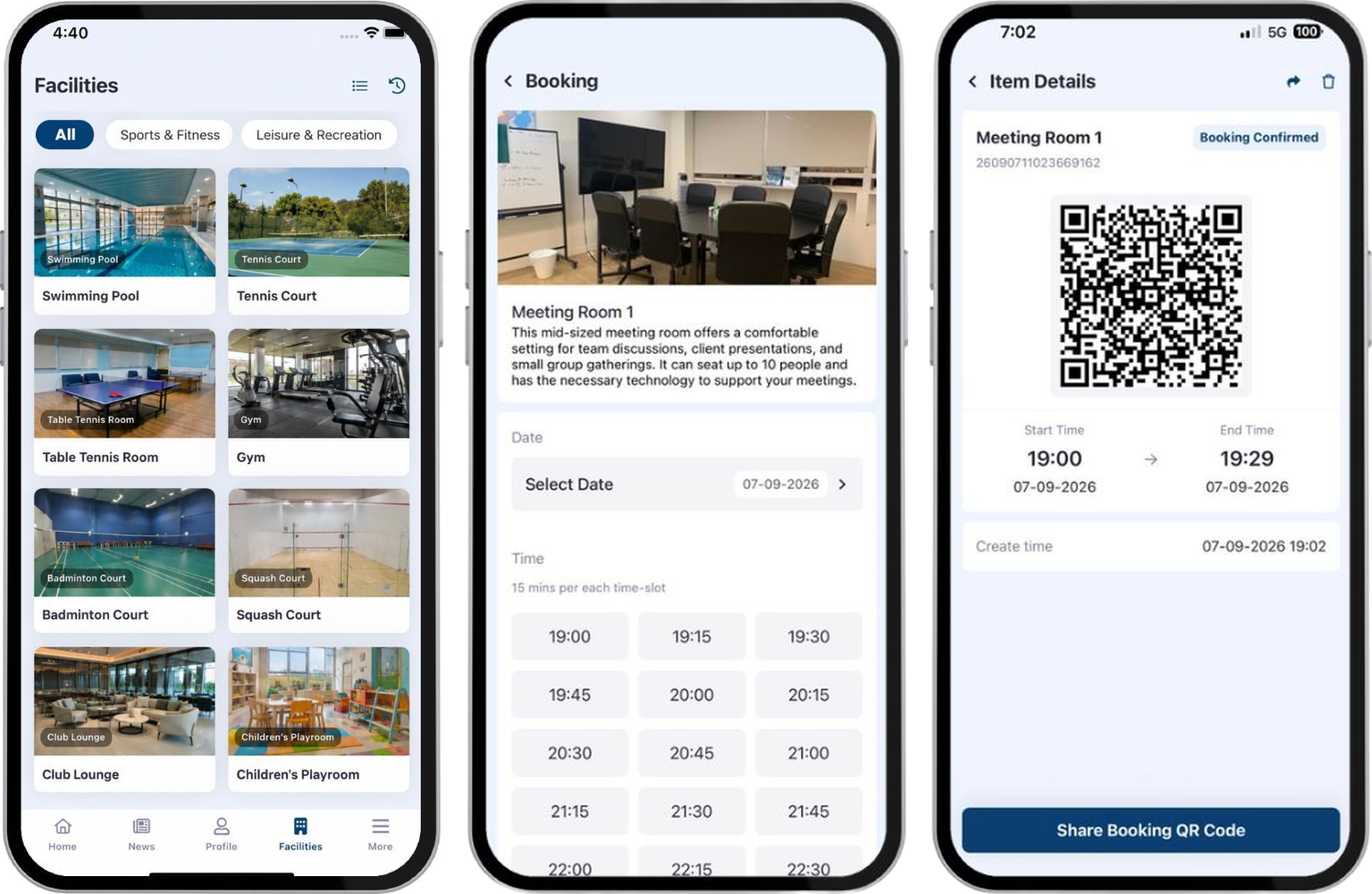
Room lighting
Keep lighting in step with room use.
Smart Lighting uses people-flow detection to switch lights on when someone enters and off when the room is no longer in use, helping avoid lights being left on in empty spaces.
Explore the solution- People-flow detection
- Automatic switching
- Unoccupied-room lighting control
Success Stories

Frequently asked questions
Help with campus visitors, identity checks, room bookings and lighting.
How to register as a visitor to the school campus?
Staff will create a visitor form before visitor arrival. Once your responses are confirmed, you will receive a temporary QR code for access.
How do students and teachers gain access to school areas?
Students and teachers use dynamic QR codes for verification. Only those with valid QR codes can access specific areas such as the academic building, library, tutorial room, and lecture hall. The dynamic QR code system prevents unauthorized entry, ensuring that only verified students and teachers can access specific areas, thereby enhancing overall security.
How can I reserve school facilities?
You can use the 24/7 online booking platform to reserve school facilities like meeting rooms, study rooms, and multifunctional spaces. Upon confirmation, you will receive an entry QR code for convenient access. Scan this QR code within the booking period to gain self-access to the reserved facility.
How does the IoT solution reduce energy consumption?
Based on people flow detection, the Smart Lighting system automatically turns on when someone enters a room and turns off when they leave. This helps reduce energy costs by preventing lights from being left on in empty rooms.
How does the QR code system improve attendance recording?
The QR code system streamlines attendance recording by automatically verifying student and teacher identities, making the process more efficient and accurate.
What to do in case of power failure in a building
The power system at the gate will be interrupted, the gate will be unlocked automatically

We’re here to help
Reach out to us now and discuss how our PropTech solutions fit into your environment
Book a consultation