
Smart Property · Work Order Management
Work Order Management
Create, assign and track property work orders, with mobile updates and central reporting.
Discuss your work order management setup
Practical advantages
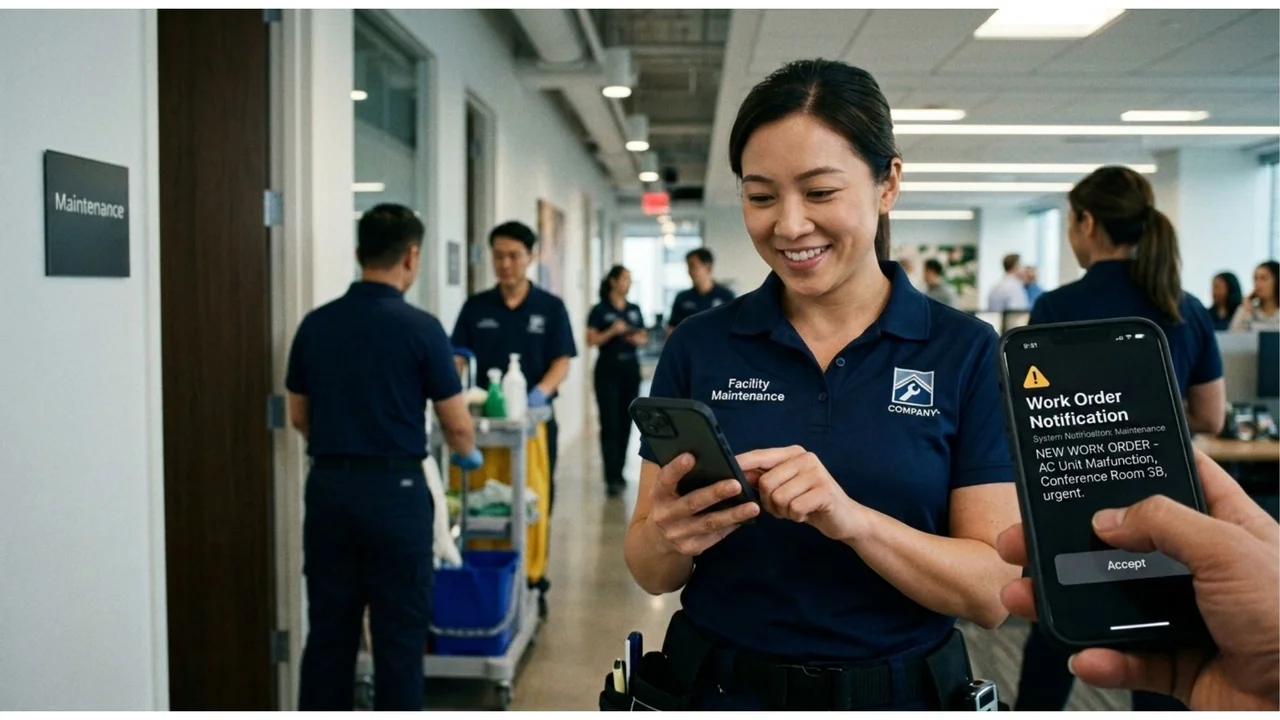
Connected work order creation
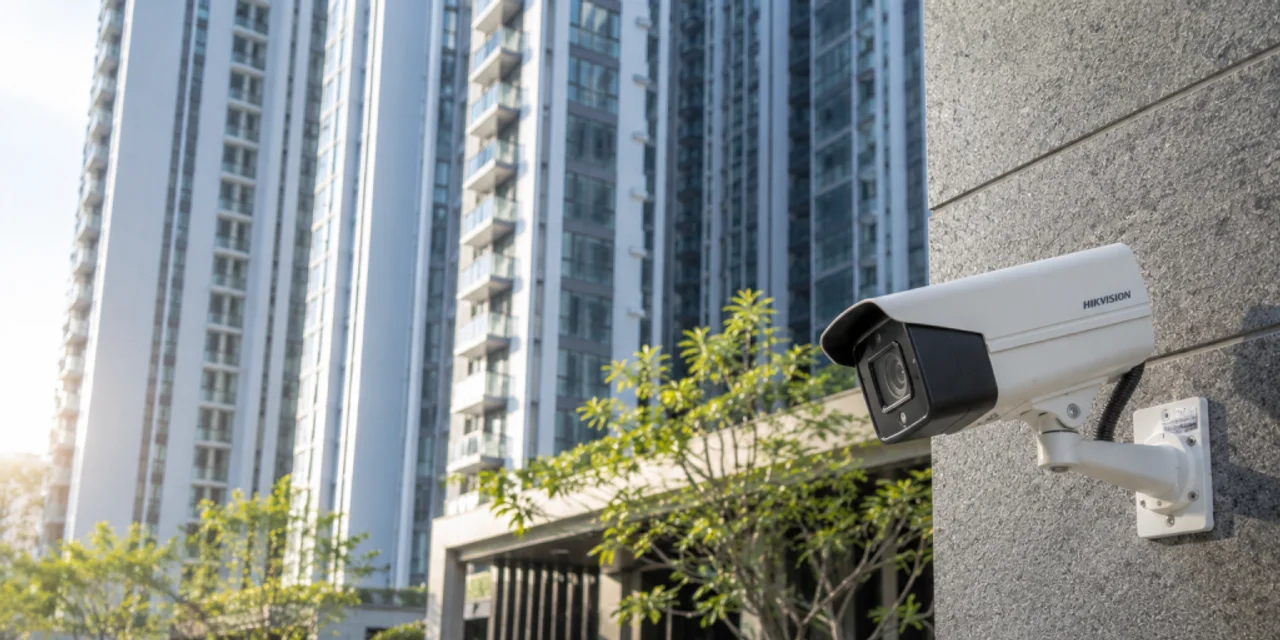
Create work orders from patrol reports, connected IoT alerts and AI CCTV analytics.
Job allocation
Use AI or preset rules to assign work by trade, department, job type or designated personnel.
Mobile progress and reports
Staff update progress and completion records in the app. Managers review work orders and reporting centrally.
Everyday scenarios
Building maintenance
Record repair and facility maintenance work, assign the responsible team, and let customers monitor repair progress.

Cleaning and service tasks
Coordinate cleaning, facility upkeep and service requests with work orders that staff can update on site.
How it works
Create the work order
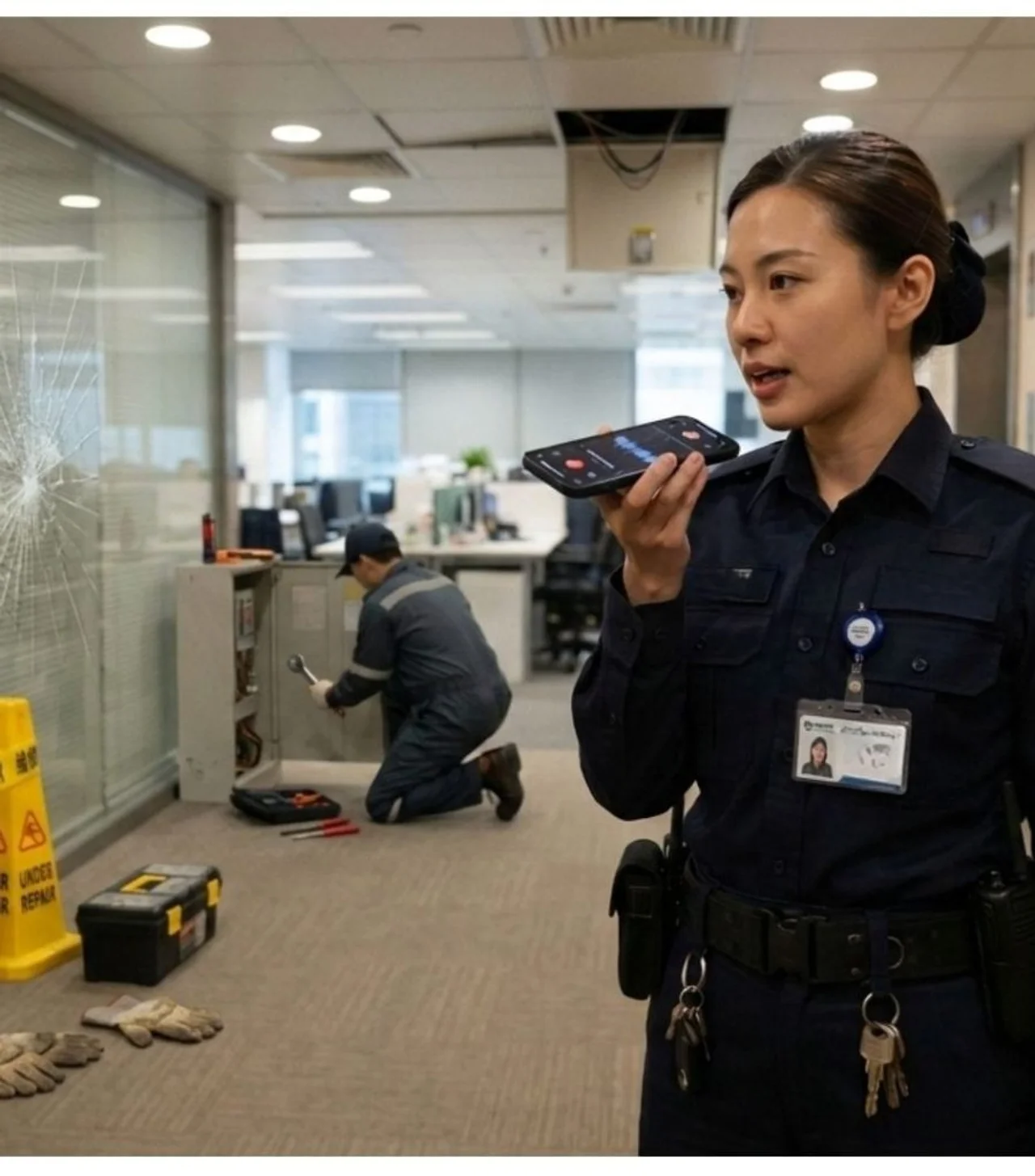
Record the task from a report or configured sensor and CCTV event source.
Assign and update
Allocate the task and let staff view details and update progress through the app.
Record completion
Submit completion records and review work order status and reports centrally.
Plan your setup
Task sources
Identify patrol reports, IoT alerts and CCTV events to connect.
Allocation rules
List departments, trades and designated staff for each task type.
Reporting needs
Confirm progress, completion and notification requirements for staff and managers.
Common questions
Where can work orders originate?
Create work orders from patrol reports, connected IoT alerts and AI CCTV analytics, including connected event sources for logistics safety hazards or blocked fire exits.
How are jobs assigned?
Use AI or preset rules to assign work by trade, department, job type or designated personnel. Classification can use keyword recognition, with allocation based on staff capacity and expertise.
What should be agreed before setup?
List departments, trades and designated staff for each task type. Confirm progress, completion and notification requirements for staff and managers.
Can staff update progress on site?
Staff update progress and completion records in the app. Managers review work orders and reporting centrally. Notifications cover creation, assignment, status changes, completion and overdue work orders. Reports cover volume, completion rates, response time and staff performance.

Discuss your work order management setup
Tell us about the site, equipment and arrangements you need.
Discuss your work order management setup