
Smart Property · Facility Booking
Facility Booking
Let users find facilities and book online while staff manage schedules, pricing and booking records.
Discuss your facility booking setup

Practical advantages
Online booking and payment
Search facilities, check availability and prices, then book with credit card or stored-value payment.
Booking administration
Set recurring dates, duration, maximum capacity, booking fees and buffer time for each facility's booking sessions. Also manage member pricing, add-ons, changes, cancellations and email confirmations.
Schedules and reports
Review booking records, export reports and show facility schedules on a connected Smart Display.
Everyday scenarios
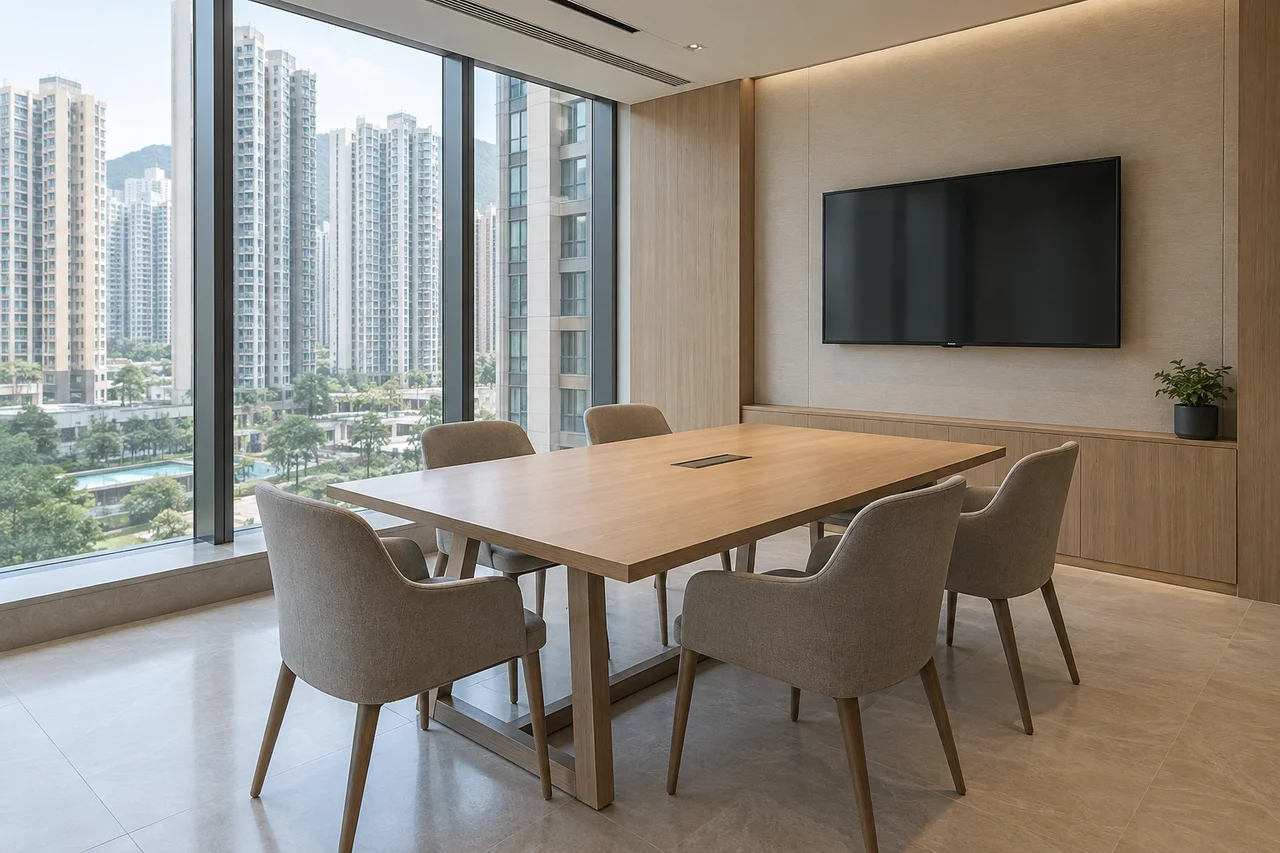
Resident facility reservations
Users search and filter facilities, read descriptions and choose an available session on the booking website.
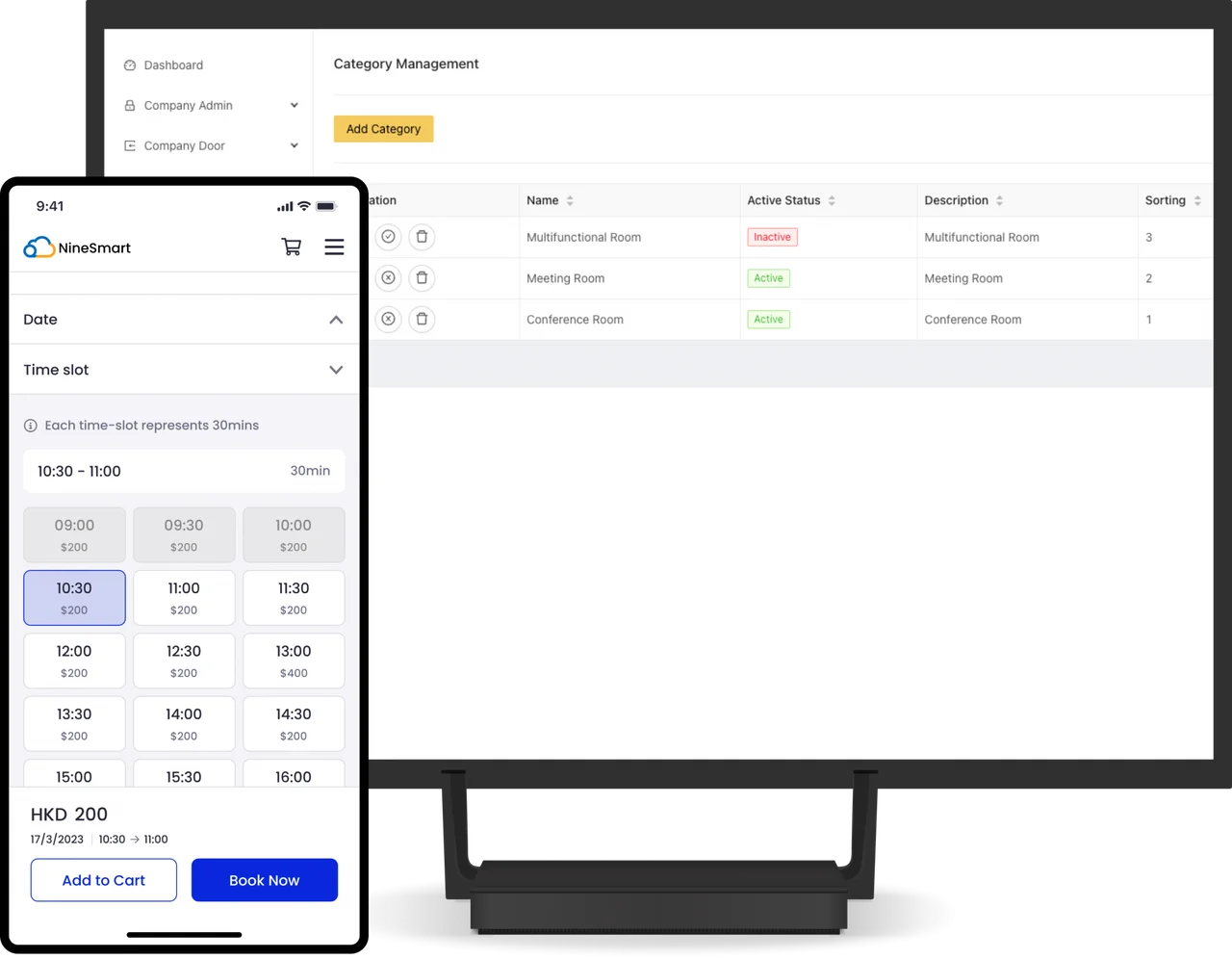
Booking from the facility
A connected Smart Display shows the schedule. Users can scan its QR code to open the booking website.
How it works
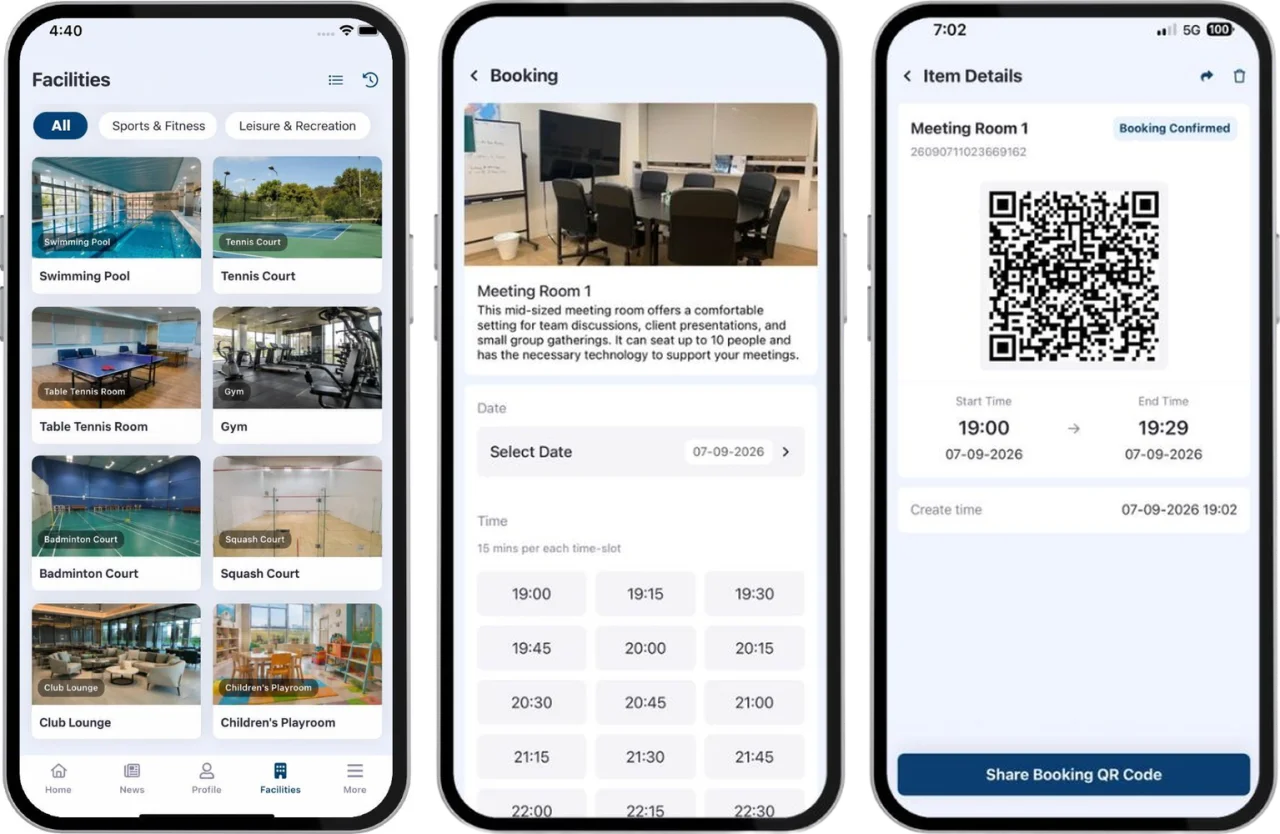
Find a session
Search facilities and check descriptions, availability and pricing.
Place the booking
Add the required booking and complete the supported payment process.
Manage the reservation
Review records, handle changes or cancellations and issue the relevant email notices.
Plan your setup
Facilities and schedules
List facility categories, booking items and available sessions.
Pricing arrangements
Confirm member prices, add-ons, promotion codes or tokens and payment requirements.
Communications and display
Plan confirmation and cancellation emails and any Smart Display connection.
Common questions
How do users reserve facilities?
Users search and filter facilities, read descriptions and choose an available session on the booking website. The booking flow supports a cart, credit card and stored-value payments, promotion codes and tokens.
Can bookings be changed or cancelled?
For each facility's booking sessions, set recurring dates, duration, maximum capacity, booking fees and buffer time. Also manage member pricing, add-ons, changes, cancellations and email confirmations.
What should we prepare for implementation?
List facility categories, booking items and available sessions. Confirm member prices, add-ons, promotion codes or tokens and payment requirements. Plan confirmation and cancellation emails and any Smart Display connection.
Can schedules be displayed at the facility?
Review booking records, export reports and show facility schedules on a connected Smart Display.

Discuss your facility booking setup
Tell us about the site, equipment and arrangements you need.
Discuss your facility booking setup