
Office
Access and booking for the workplace
Coordinate staff entry, prepare for visitors and make shared rooms easier to reserve.
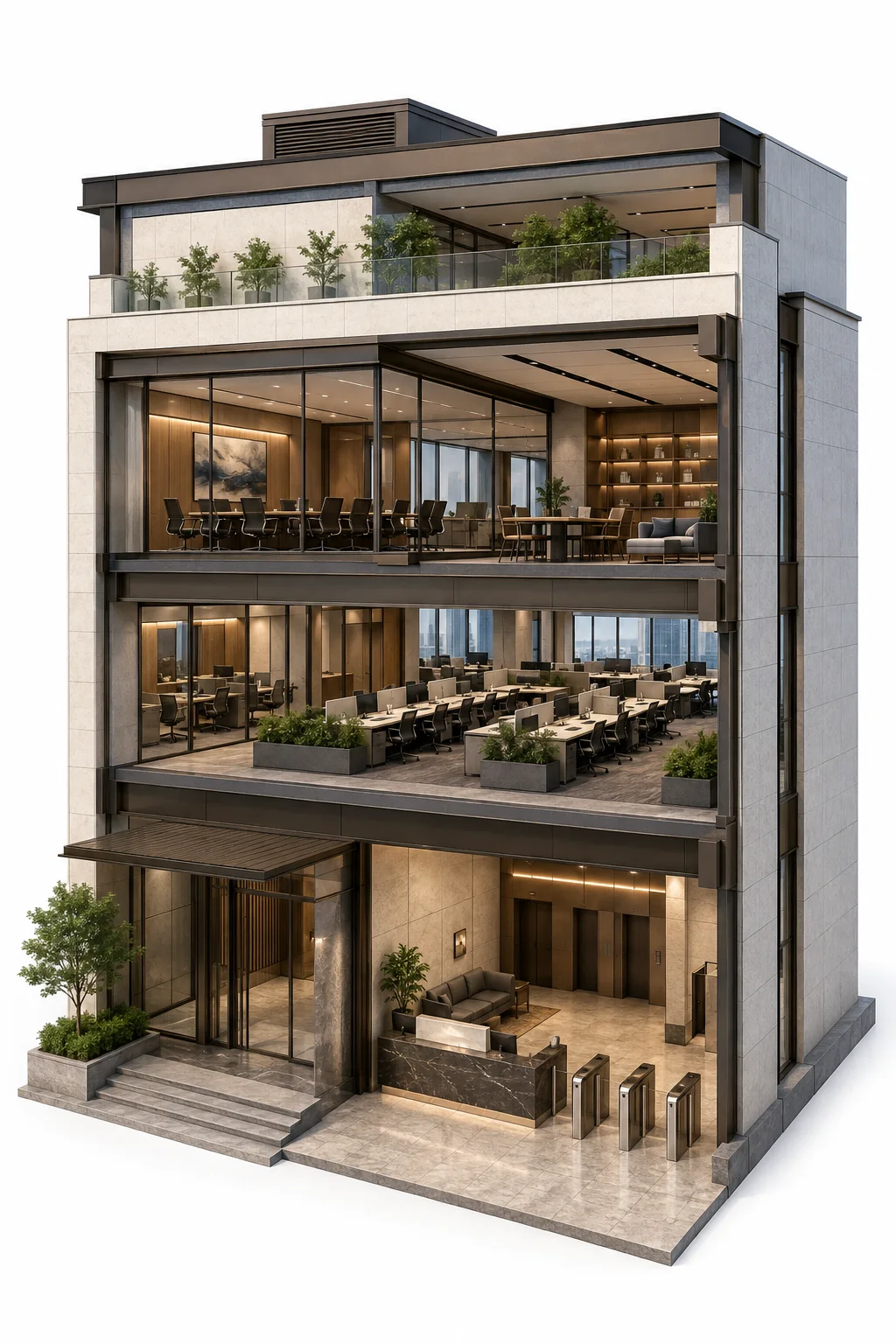
Reception & visitors
Move registration ahead of arrival.
- Online registration forms
- Temporary visitor QR codes
- Access records
Workplace entry
Give staff access according to their profile.
- Dynamic profile QR codes
- Door access permissions
- Remote door unlocking
Meeting rooms & shared resources
See what is available before making a reservation.
- Online facility schedules
- Room reservations
- Booking record exports

For workplace teams
Challenges
Visitor registration and room requests can fill the working day with manual checks and booking enquiries.
Advantages
Prepare visitor access
Collect registration details before arrival and issue temporary QR codes.
Review entry activity
Check and export access records when the team needs to follow up.
Organise shared resources
Manage facility schedules and review booking records in Smart Property.

For employees
Challenges
Finding a meeting room and arranging guest entry can interrupt the work you came to do.
Advantages
Use your staff QR code
Enter permitted office areas with your dynamic profile QR code.
Help guests arrive prepared
Visitors can complete the registration form before arrival to receive a temporary QR code.
Book available rooms
Check schedules and reserve shared facilities online.
Reception & visitors
Move registration ahead of arrival.
Visitors fill in the registration form before coming to the office. A temporary QR code supports entry, while the team can review and export access records.
Explore the solution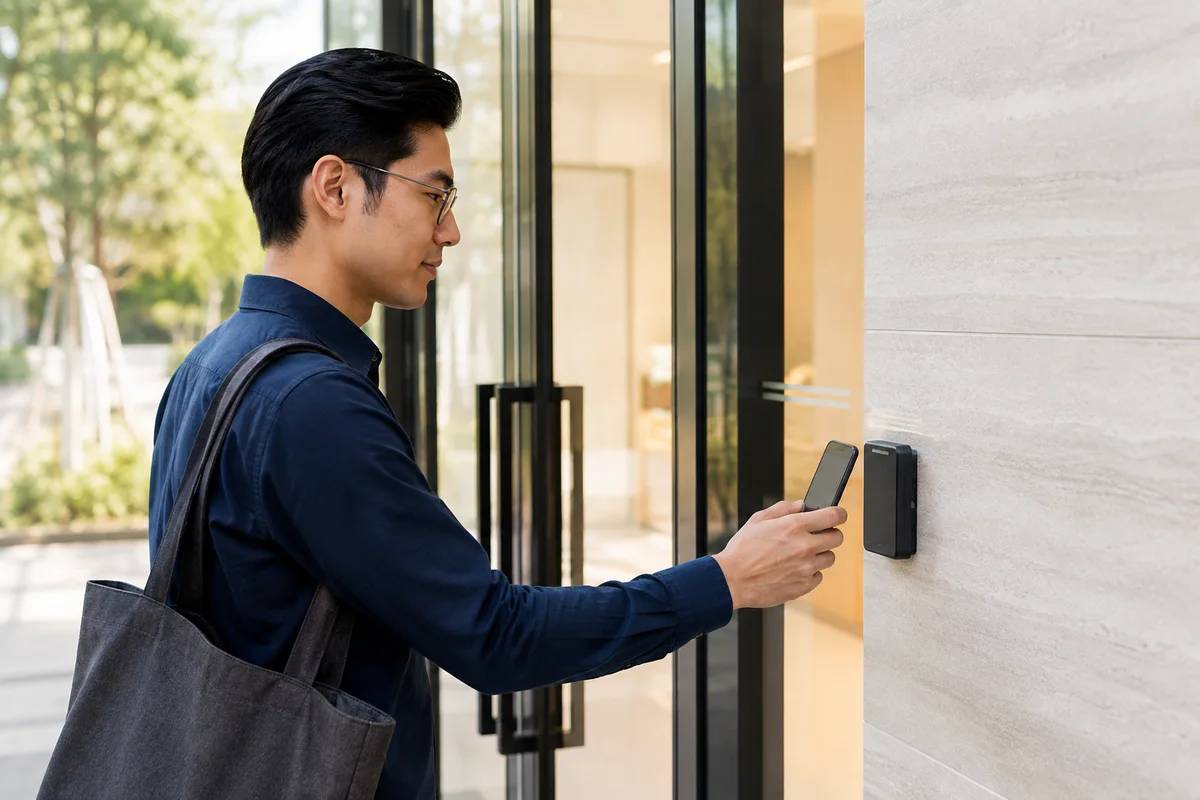
Workplace entry
Give staff access according to their profile.
Smart Property checks the user’s profile when a QR code is scanned. The system supports permission-based entry and remote door unlocking for authorised users.
Explore the solution- Dynamic profile QR codes
- Door access permissions
- Remote door unlocking
Meeting rooms & shared resources
See what is available before making a reservation.
Smart Property lets users check schedules and reserve office resources online. Administrators can export booking records to review how shared facilities are used.
Explore the solution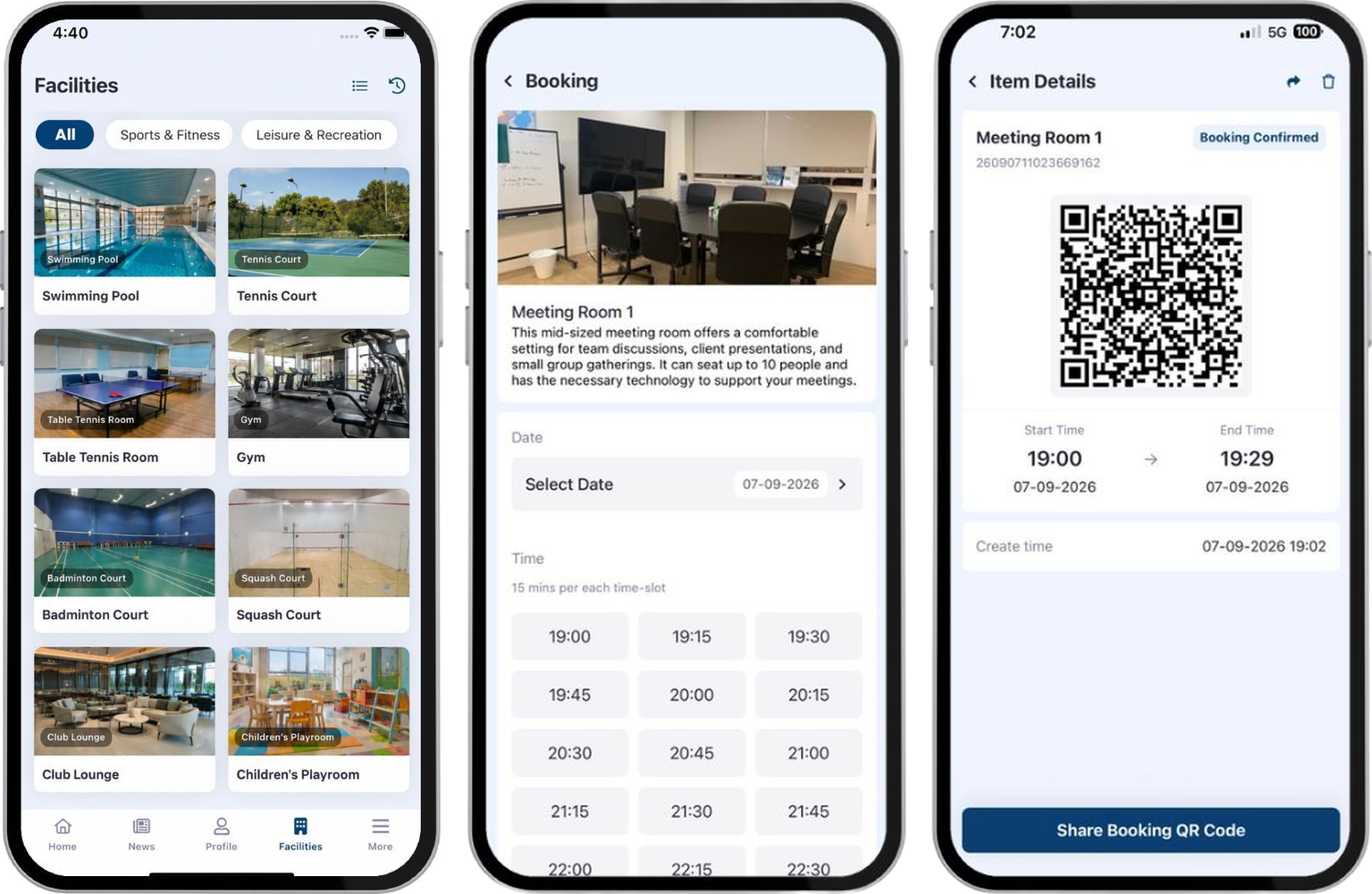
Success Stories



Frequently asked questions
Help with visitor registration, office access and booking shared resources.
How to register as a visitor?
Fill out the visitor registration form online before arrival. Once completed, visitors will receive a temporary QR code that they can use to access the office.
How does the QR code verify my identity?
The QR code is linked to your profile in the cloud-based system. When scanned, it verifies your identity and grants access based on your permissions.
Can I use the QR code to access different areas of the office?
Yes, the QR code can be used to gain door access, remotely unlock doors, and enter specific areas based on your profile permissions.
Can I review and export access records?
Yes, the Smart Access system allows you to review and export access records, providing a detailed log of all entries and exits.
How can I book office resources online?
You can use the Smart Booking website to make online reservations, check facility schedules, and complete e-payments. This ensures optimal utilization of company resources and avoids double bookings.
What payment options are available for online bookings?
You can complete e-payments using credit cards or tokens through the Smart Booking website.

We’re here to help
Reach out to us now and discuss how our PropTech solutions fit into your environment
Book a consultation