
Smart Property · Smart Display
Smart Display
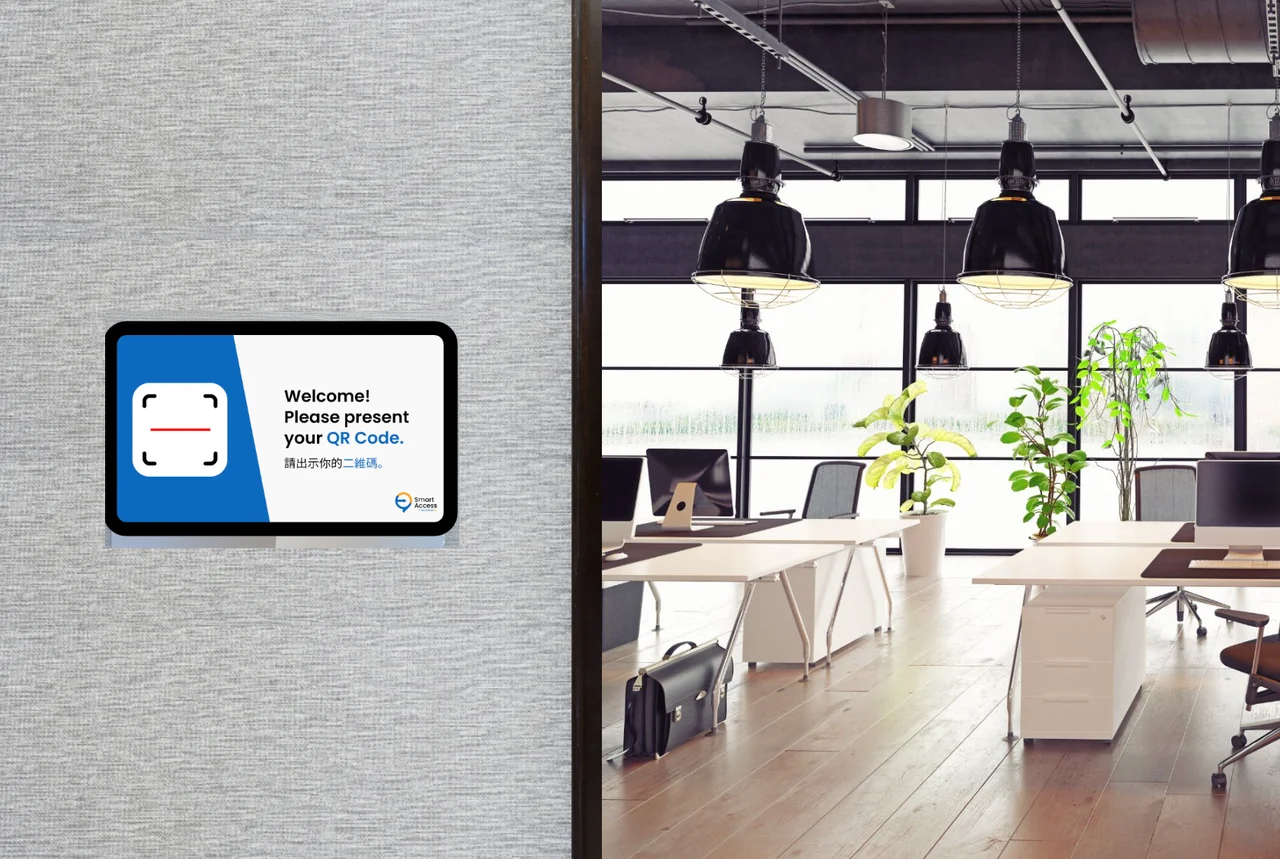
Use a connected tablet to scan visitor QR passes, show access information or display a room’s booking schedule.
Discuss your display setup
Advantages
QR scanning at the entrance
Use the tablet’s front camera to scan visitor passes and show their access rights.
Selected visitor details
Choose details such as name, visit purpose and permitted dates for identity checks.
Room booking information
Display the current booking status, date and duration alongside the room schedule.
Where it fits
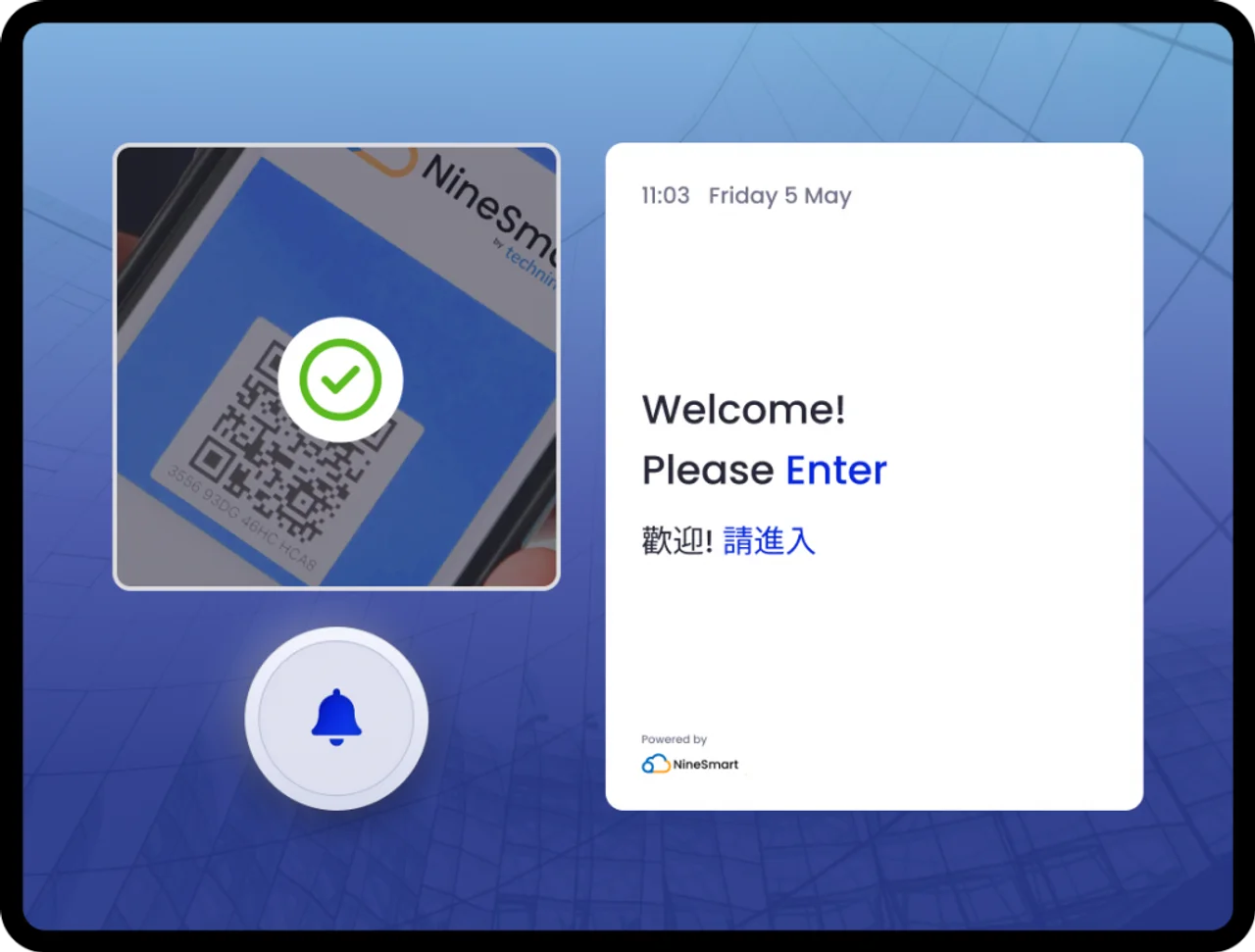
Checking access at an entrance
Staff scan a visitor QR pass to review access information. Connected access arrangements also let facility users scan their booking QR code to open the door.
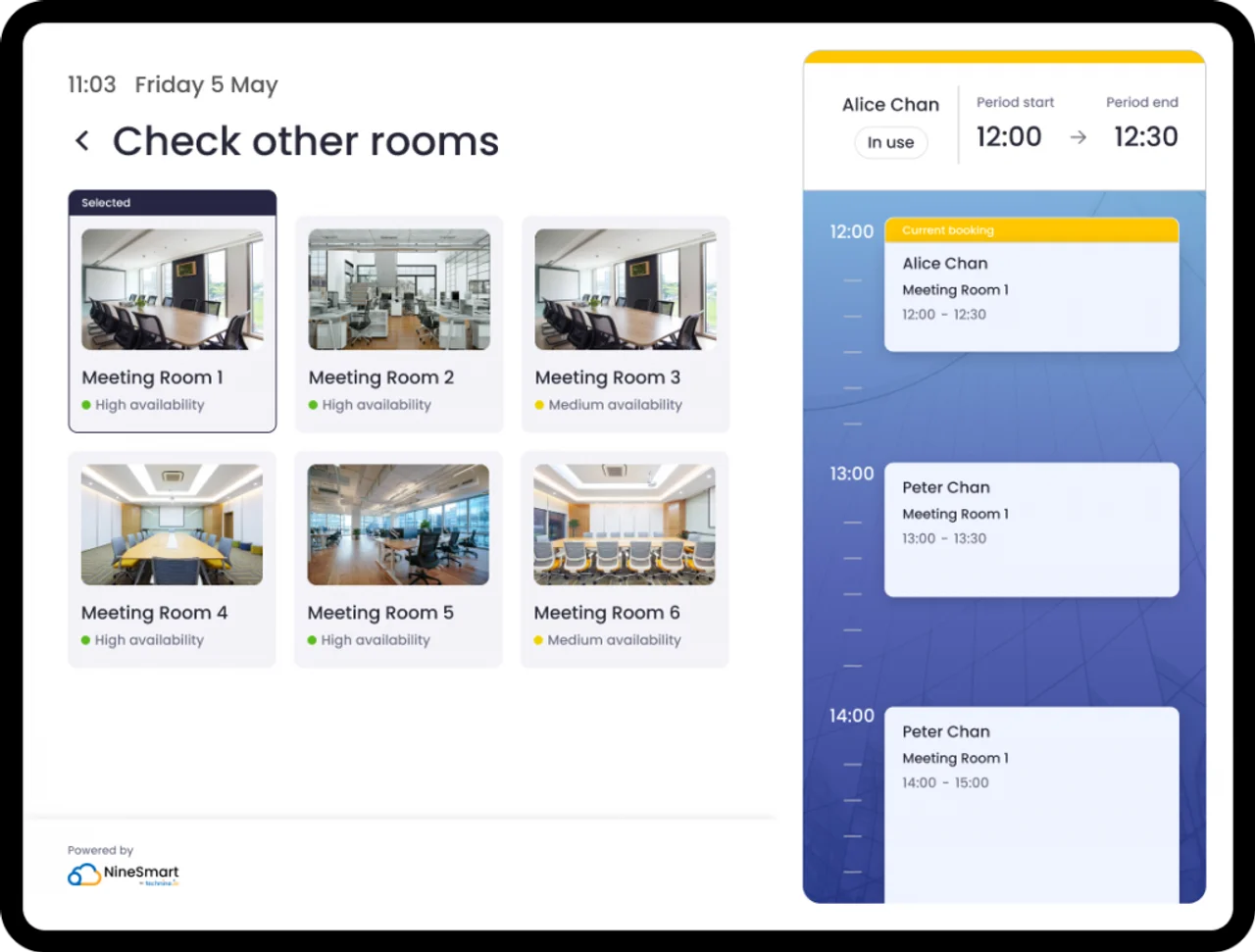
Showing a room schedule
Place a connected tablet at the room to show current booking details and the booking calendar.
How it works
Choose the use
Select access scanning or a room booking display.
Connect the tablet
Configure the tablet with the required Smart Property access or booking functions.
Scan or view
Review QR access details or read the current booking and room schedule.
Plan your setup
Tablet placement
Confirm the tablet, front camera and intended entrance or room position.
Displayed information
Choose the visitor details or booking information that users need to see.
System connections
Assess access equipment and booking connections for the chosen use.
Common questions
Can a tablet scan visitor QR passes?
Yes. The front camera can scan passes and display their access rights.
Which visitor details can be shown?
Configurable examples include name, visit purpose and permitted visit dates.
Can it show a room’s bookings?
Yes. It can show current booking status, date, duration and the room calendar.
Can users open a booked venue with a QR code?
A connected access setup allows facility users to scan their QR code at the entrance to unlock the door. Equipment and integration must be assessed.



Discuss your display setup
Confirm the tablet, front camera and intended entrance or room position.
Discuss your display setup