
Smart Property · Smart Handheld Device
Smart Handheld Device
Give property staff mobile visitor registration, QR verification and access tools through the staff app.
Discuss your smart handheld device setup
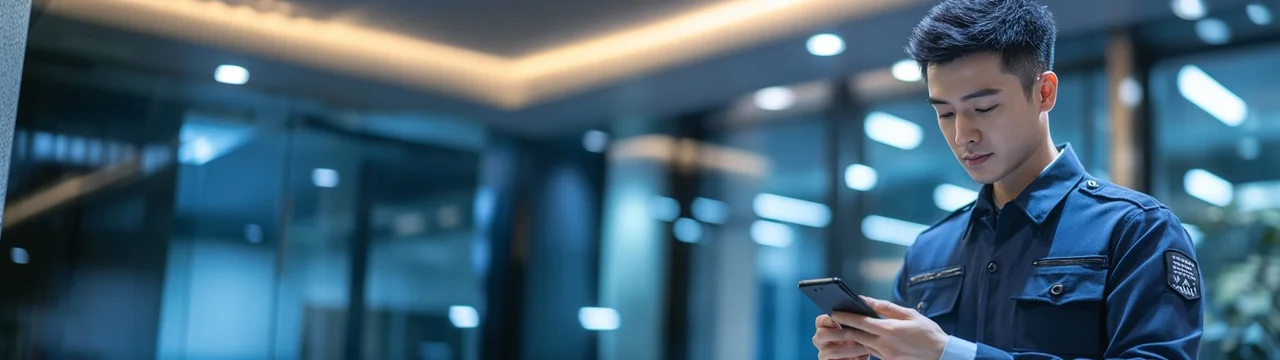
Practical advantages
Visitor QR creation and printing
Create and print visitor QR codes using the dedicated NineSmart handheld device.
Scanning and access
Scan resident, booking or visitor QR codes to check status or perform manual check-in. Authorised staff can unlock doors remotely.
Staff communication
Answer video intercom calls and receive internal notices, alerts and reminders in the staff app.
Everyday scenarios
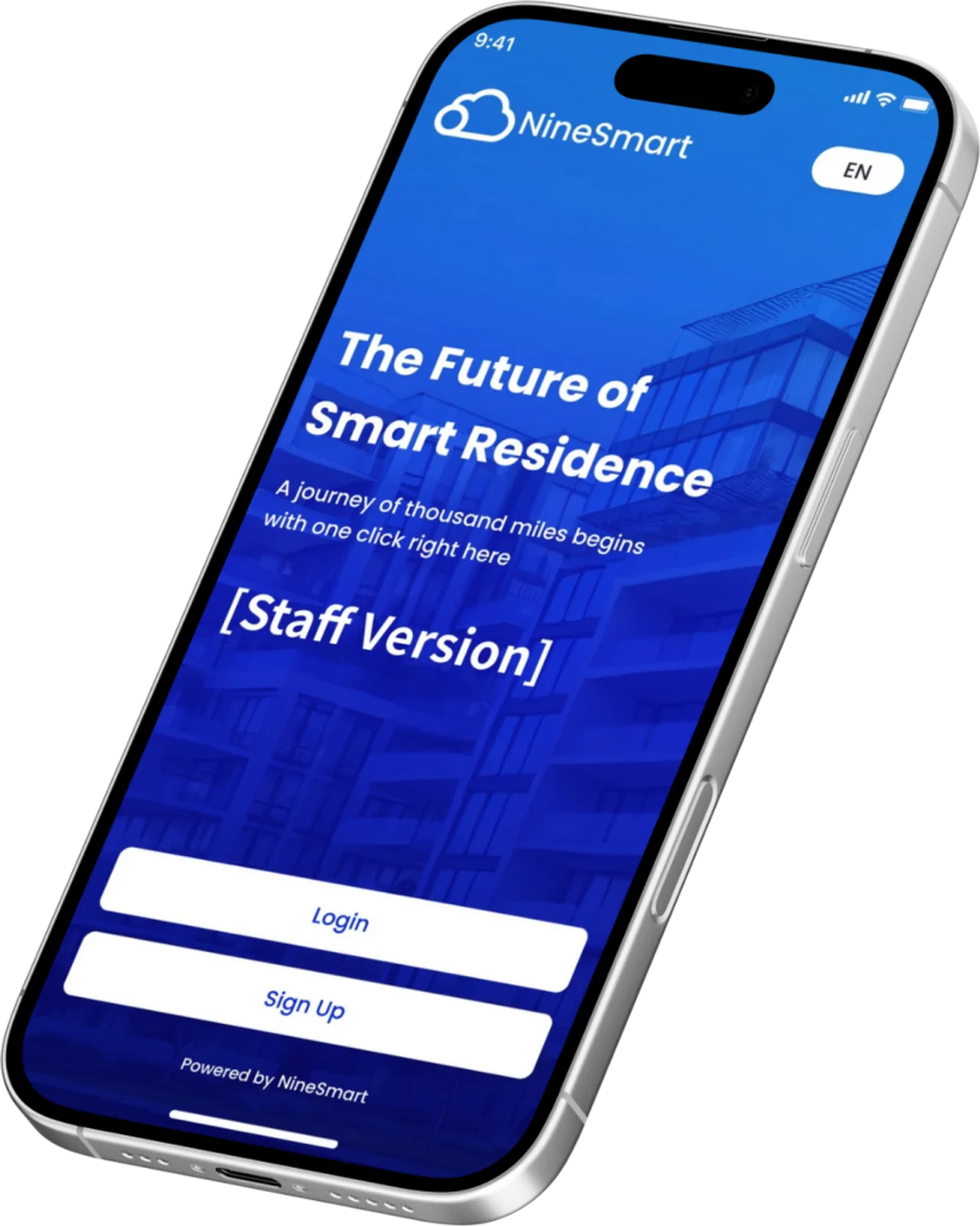
Staff-assisted visitor arrival
Register a visitor at reception and create a QR pass. Use the dedicated device when printed passes are required.
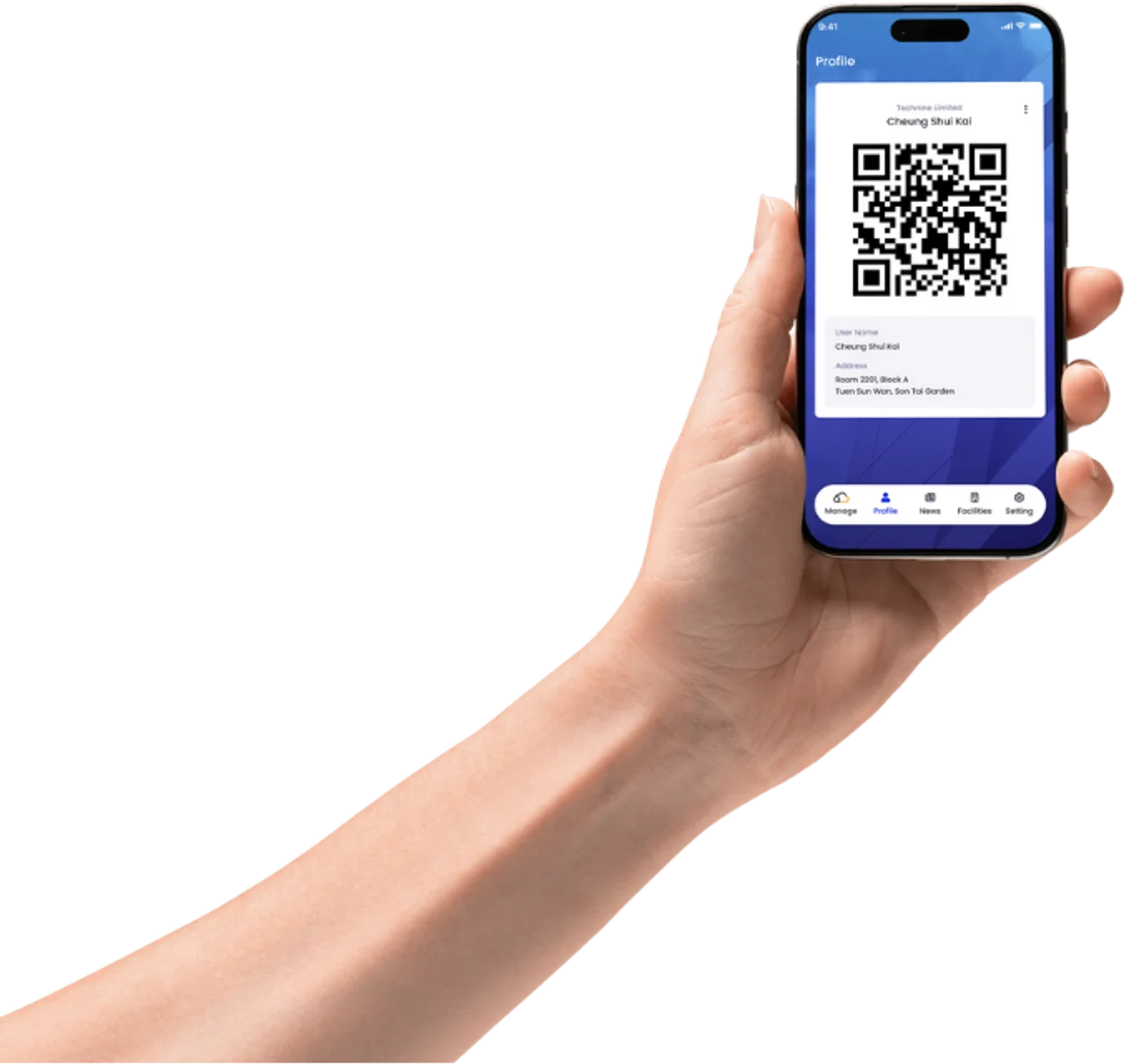
Frontline access checks
Scan a resident, booking or visitor QR code to review its status and perform manual check-in where needed.
How it works
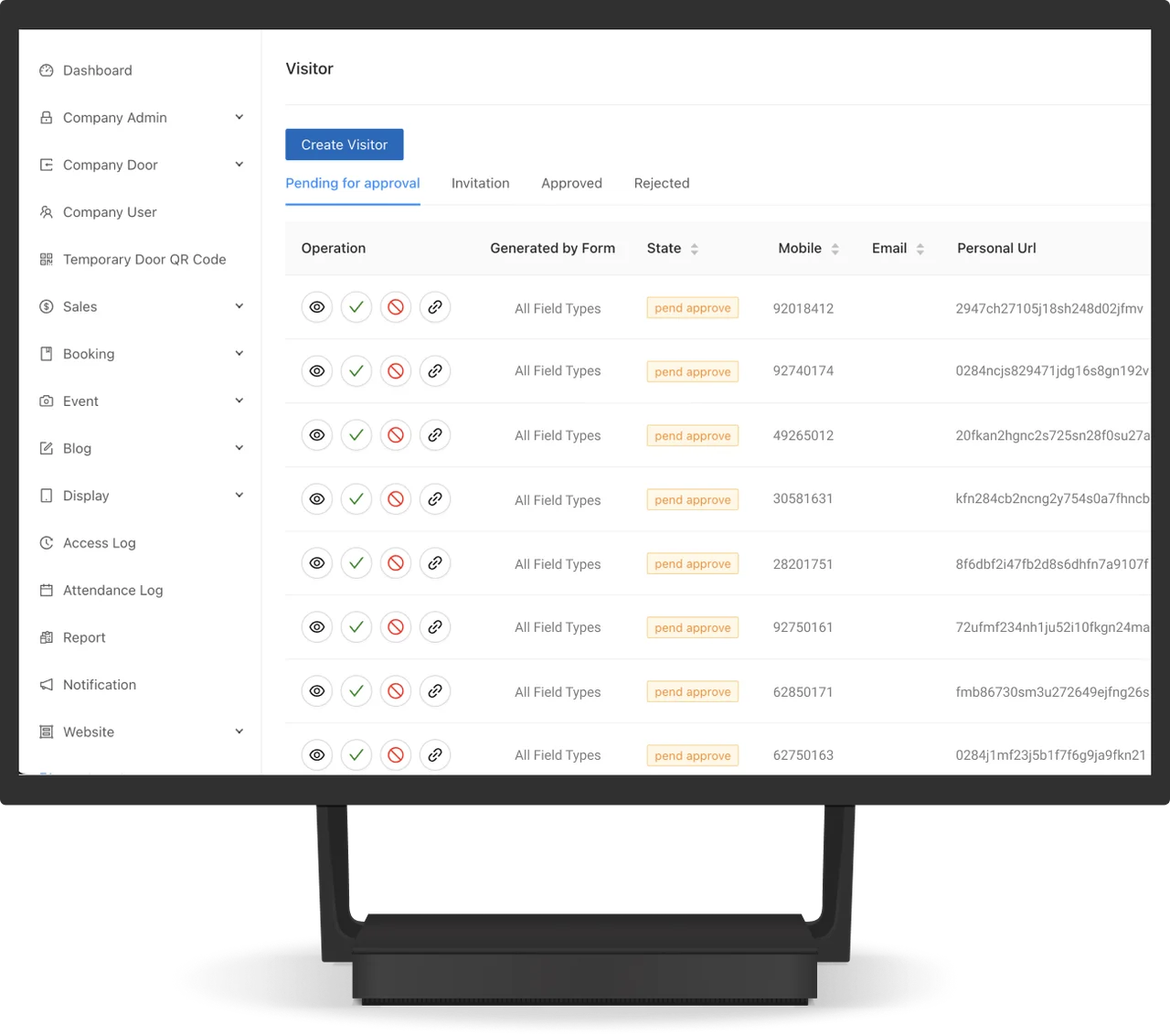
Select the staff task
Choose visitor registration, QR verification or intercom handling in the staff app.
Register or verify
Create a visitor pass or scan an existing QR code to view status and check in.
Handle access and notices
Authorised staff can respond to intercom calls, unlock doors and review staff notifications.
Plan your setup
Device and printing
Confirm whether dedicated handheld hardware and a thermal printer are needed.
Staff responsibilities
Define registration, check-in and remote-unlock permissions.
Connected access
Confirm intercom and door connections and the staff devices to be assessed.
Common questions
Can the device print visitor passes?
Create and print visitor QR codes using the dedicated NineSmart handheld device.
Which QR codes can staff scan?
Scan resident, booking or visitor QR codes to check status or perform manual check-in. Authorised staff can unlock doors remotely. System-generated dynamic profile QR codes are also supported.
Is dedicated hardware required?
Hardware is available as an optional bundle. Most staff-app features can be used on other mobile devices; confirm device suitability and use the dedicated NineSmart handheld for QR code printing.
Can staff answer intercom calls?
Answer video intercom calls and receive internal notices, alerts and reminders in the staff app.



Discuss your smart handheld device setup
Tell us about the site, equipment and arrangements you need.
Discuss your smart handheld device setup