
Smart Property · Membership
Membership
Set membership levels and prices, let users subscribe online, and manage their membership in the admin panel.
Discuss your membership plans

Advantages
Email registration
Users register with an email address and verify it before their account is activated.
Defined membership plans
Set levels, descriptions and a price for each membership plan.
Staff administration
Manage a member’s level manually in the admin panel.
Where it fits
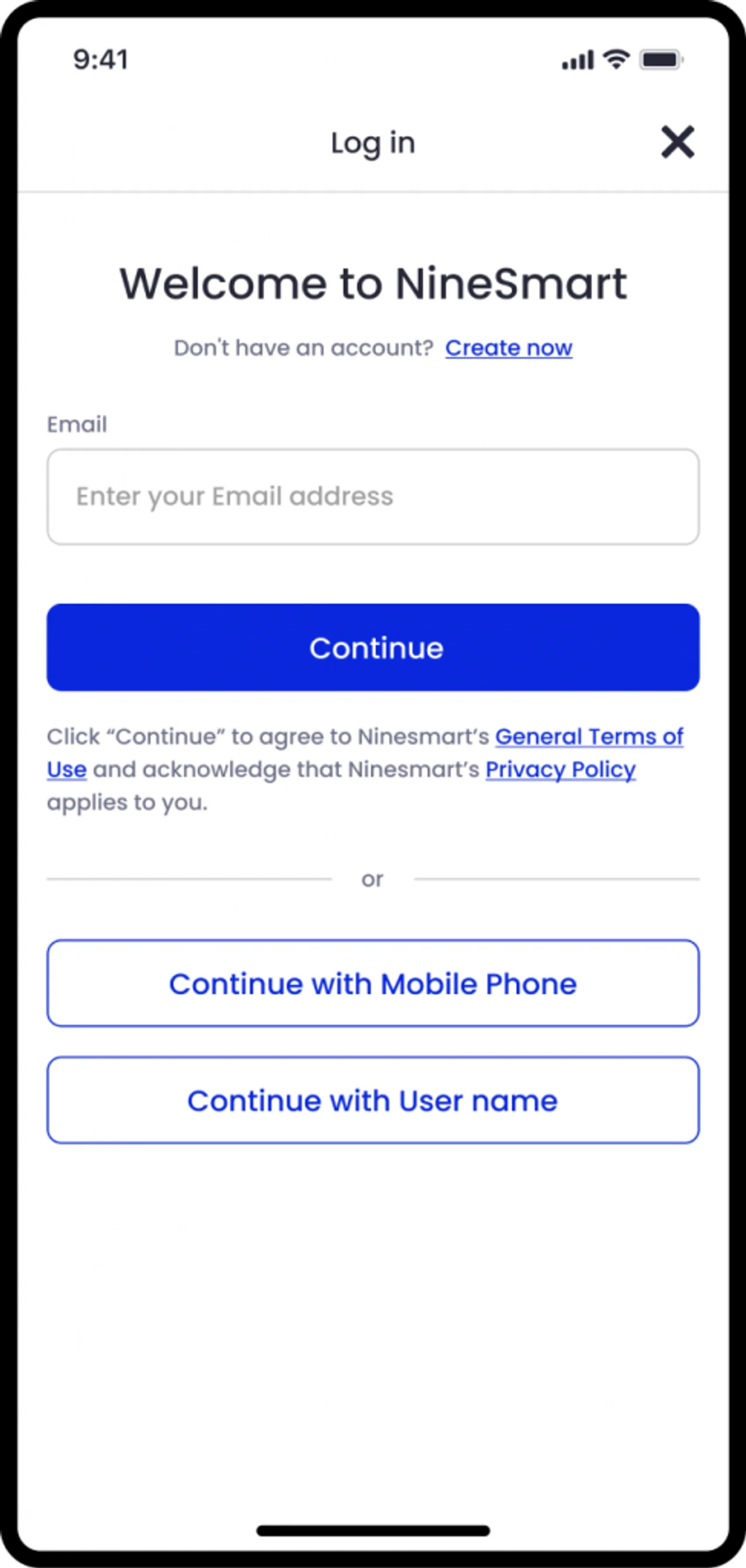
Joining as a member
A new user registers with an email address, completes verification and subscribes to a plan on your website.
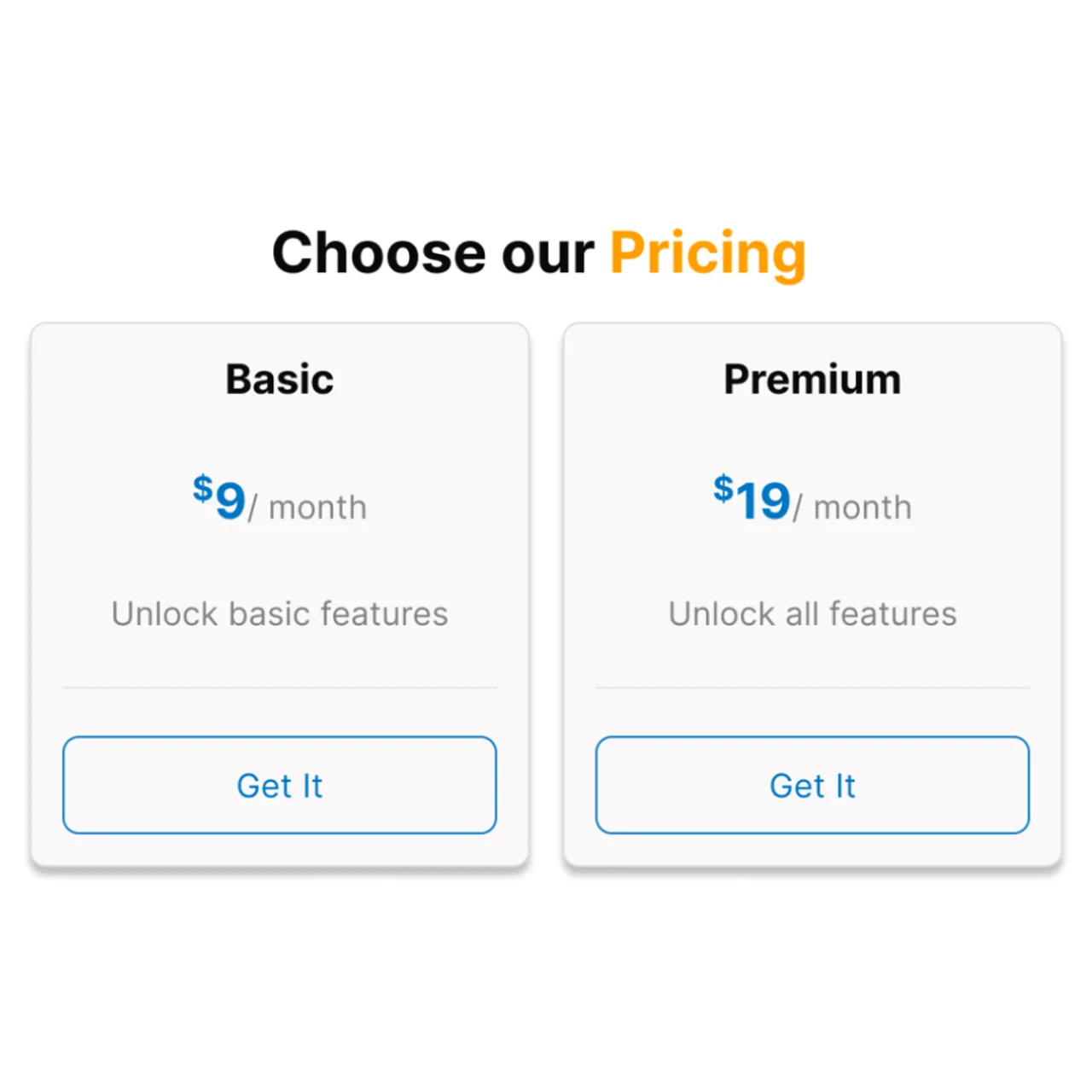
Managing plan levels
Staff set up membership packages and change a member’s level when their arrangement changes.
How it works

Define plans
Set the level, description and price of each plan.
Register and verify
The user creates an account and verifies their email address.
Manage membership
Users subscribe online; staff manage membership levels in the admin panel.
Plan your setup
Membership structure
Prepare the levels, descriptions and prices you want to offer.
Registration journey
Confirm where users register and how the verification email is presented.
Website connections
Identify the website and booking arrangements that need membership information.
Common questions
How do users register?
They use an email address as their login ID and verify it before activation.
Can plans have different prices?
Yes. Each membership level can have its own description and price.
Can staff change membership levels?
Yes. Staff can change a member’s level manually in the admin panel.
Where do users subscribe?
Users subscribe to membership plans on your website.

Discuss your membership plans
Prepare the levels, descriptions and prices you want to offer.
Discuss your membership plans