
Smart Property · Product
Product
Attach products for purchase and items for loan to facility booking sessions.
Discuss your booking add-ons
Advantages
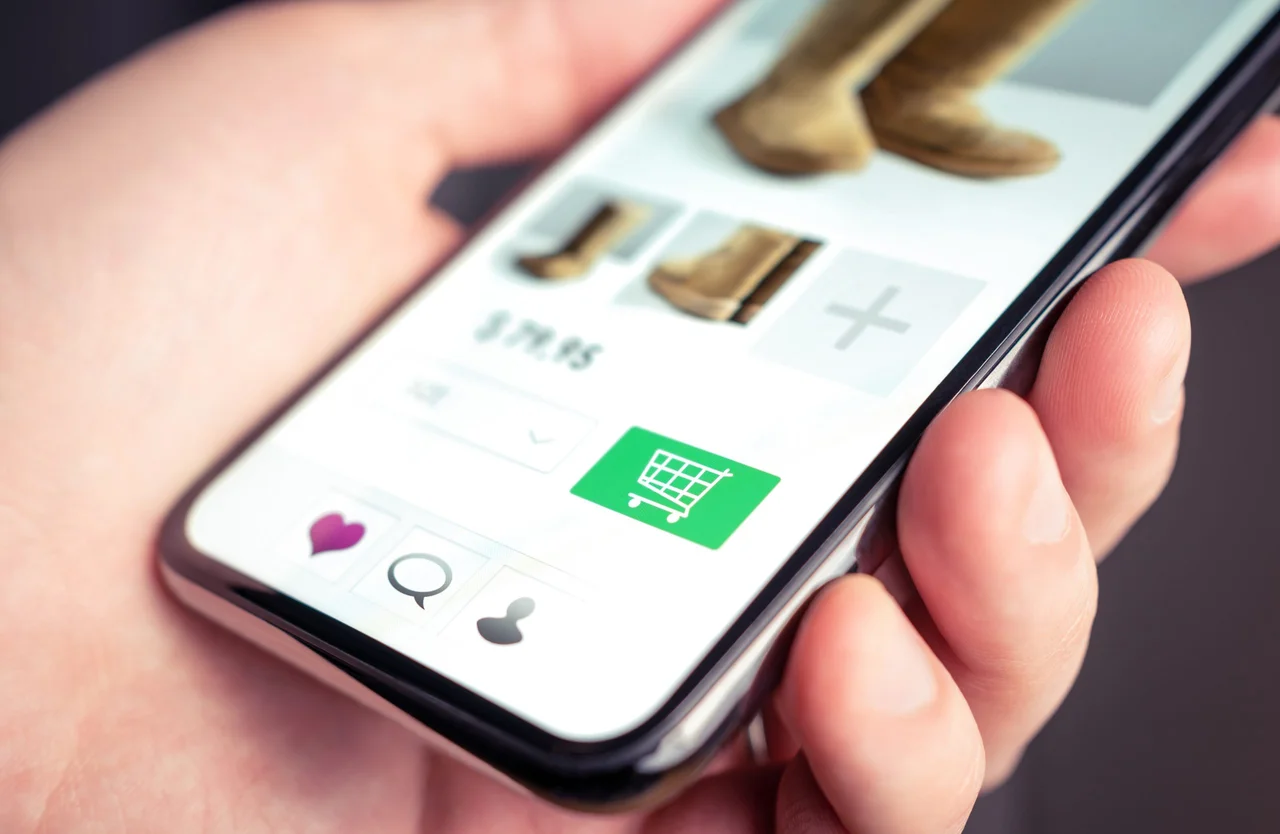
Products with a booking
Offer relevant items alongside a facility reservation.
Items for purchase
Include products such as gym socks or clubhouse lunch sets.
Loan item options
Offer equipment such as projectors, microphones or amplifiers for a booked session.
Where it fits
Purchasing session items
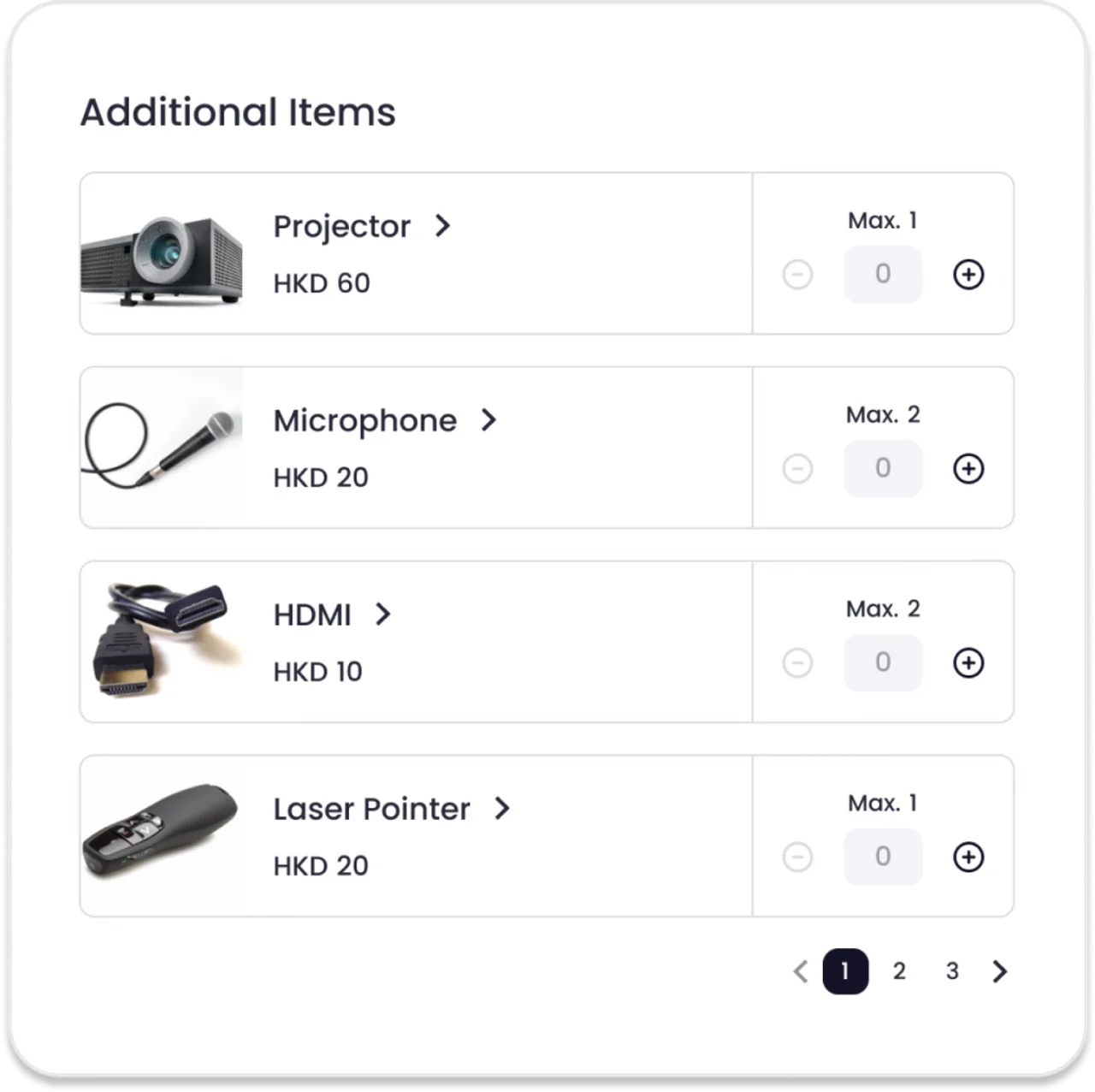
A customer adds products needed for their visit, such as socks for the gym or lunch for a clubhouse booking.
Borrowing equipment
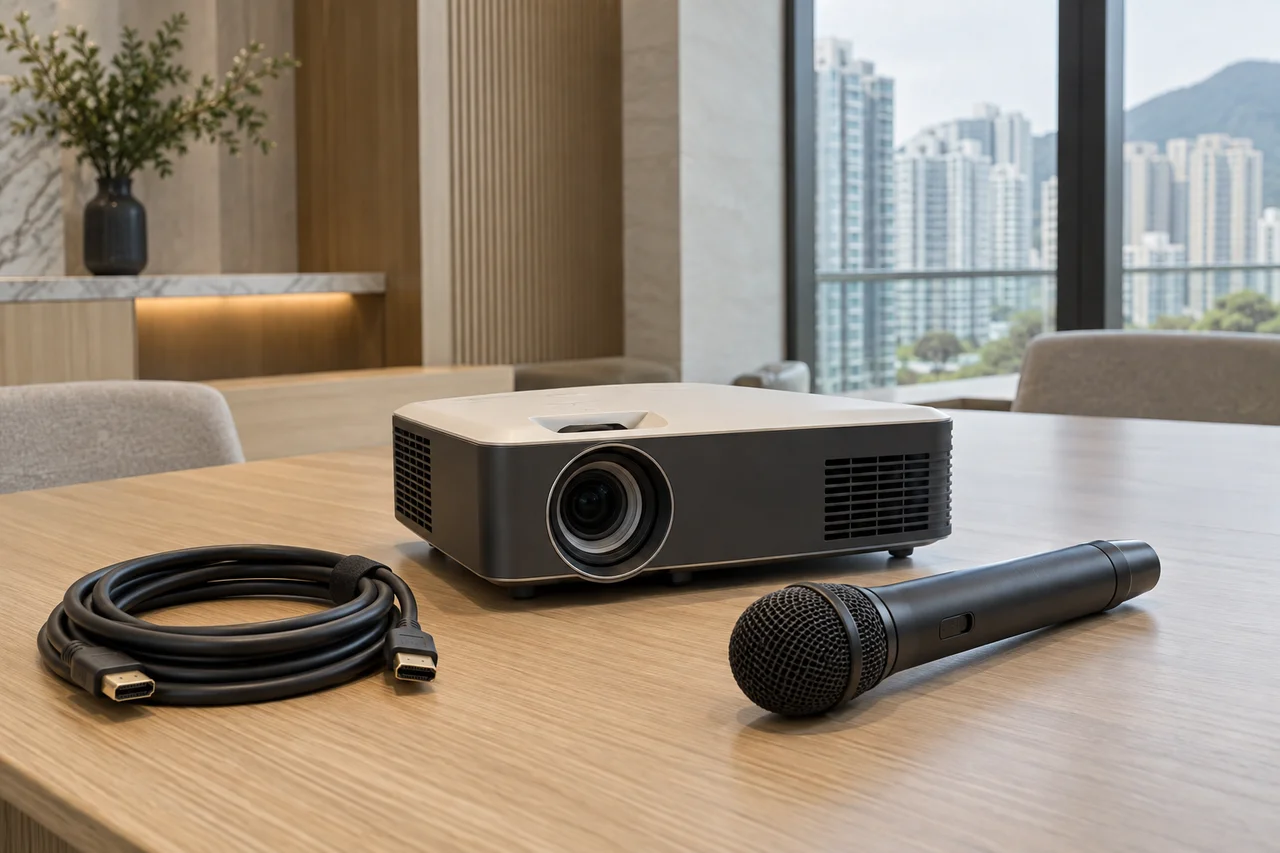
A meeting or studio booking can include loan items such as a projector, microphone stand or amplifier.
How it works
Choose the facility
Identify the booking session that needs product options.
Define the items
Prepare products for purchase and equipment offered on loan.
Connect to booking
Attach the relevant items to the session for users to select.
Plan your setup
Product list
List the products to sell with each facility booking.
Loan equipment
Identify equipment available to borrow for each type of session.
Booking and checkout
Confirm which booking sessions and order flow will use these items.
Common questions
What is the Product module for?
It connects related products and loan items to booking sessions.
Can products be sold with a booking?
Yes. Examples include gym socks and clubhouse lunch sets.
Can equipment be offered on loan?
Yes. Examples include projectors, microphones, microphone stands and amplifiers.
Does it connect with facility booking?
Yes. Items are linked to sessions through the Booking module.

Discuss your booking add-ons
List the products to sell with each facility booking.
Discuss your booking add-ons