
Smart Property · Token
Token
Offer prepaid tokens for facility and product orders, with partial token payments and manual allocation for members or staff.
Discuss your token arrangements

Advantages
Prepaid token plans
Users can purchase tokens before paying for facilities or products.
Partial token payment
When tokens do not cover the order, users can pay the balance by credit card or bank transfer.
Manual allocation
Staff can allocate free tokens for member rewards or internal facility use.
Where it fits
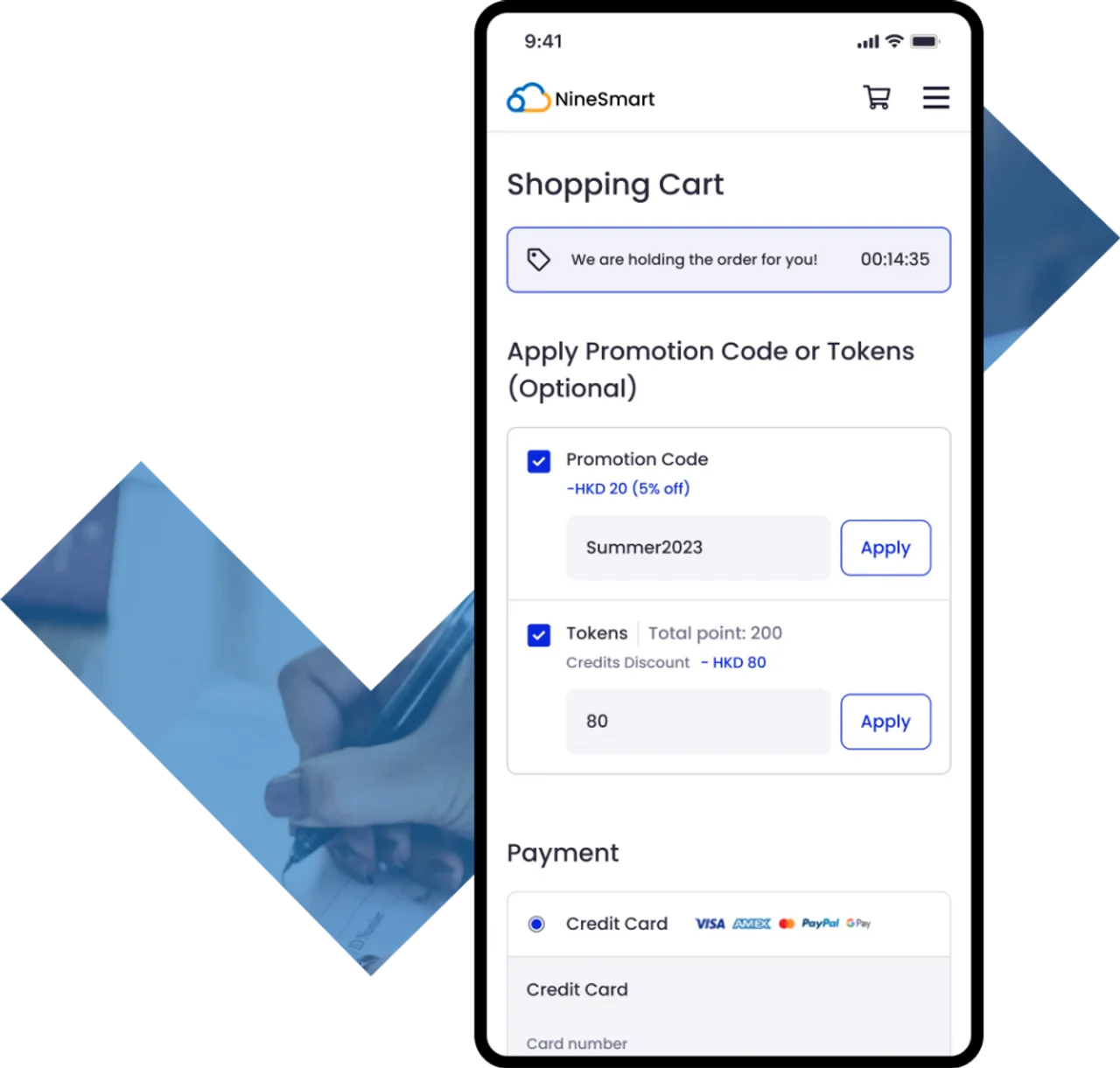
Paying with purchased tokens
A user buys a token plan and spends tokens on products or facilities, paying any remaining amount by an available balance-payment method.

Allocating tokens for internal use
Staff can assign free tokens for purposes such as employee function-room reservations or member rewards.
How it works
Set token plans
Define the prepaid token offers for your users.
Purchase or allocate
Users purchase tokens, or staff allocate them manually.
Use on an order
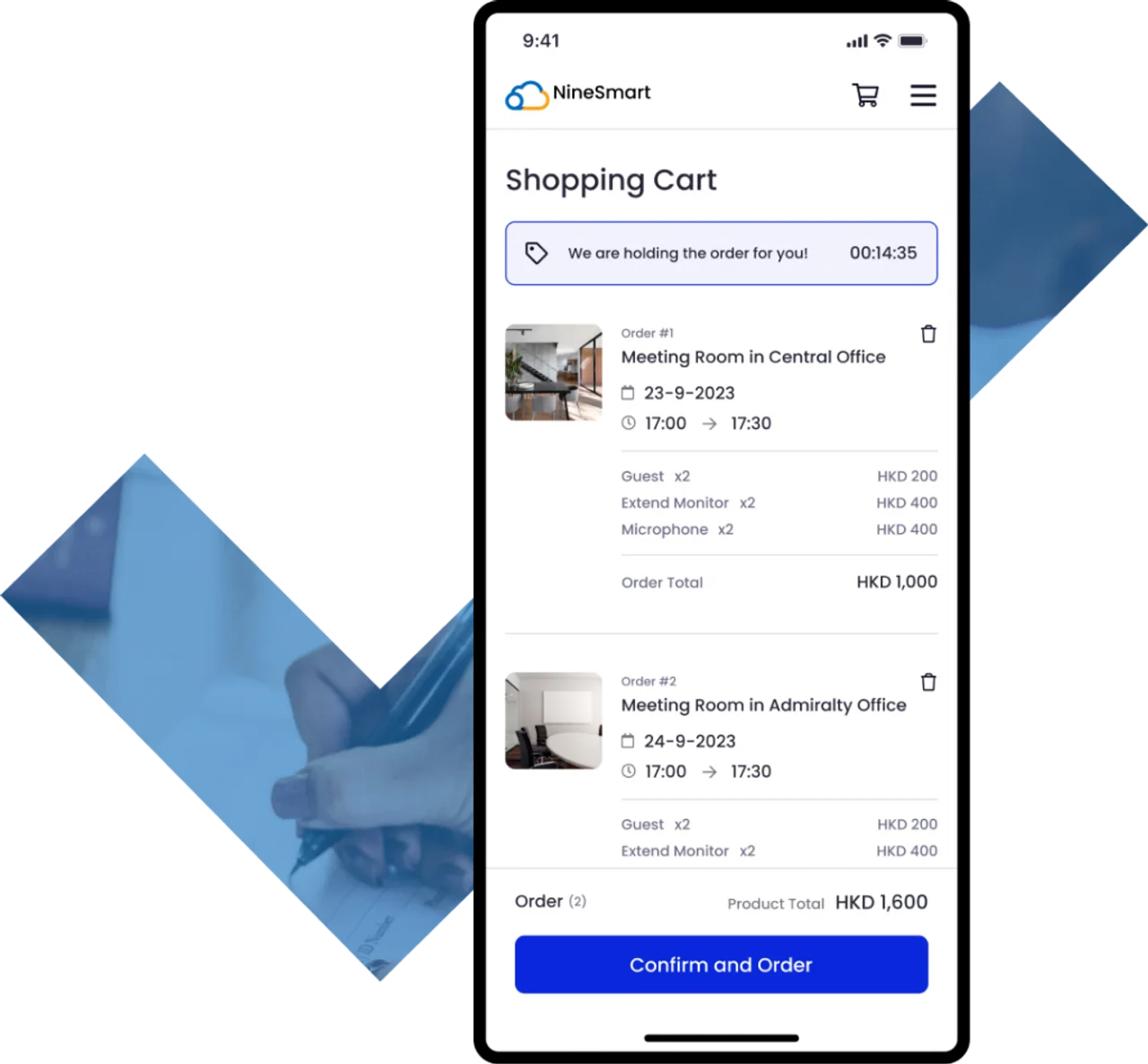
Apply tokens to a facility or product order and settle any balance.
Plan your setup
Token offers
Confirm plan prices and any proposed discounts.
Allocation rules
Specify who may receive free tokens and for which uses.
Payment and refund rules
Confirm balance-payment and refund arrangements; refunds can be returned as tokens, while other refund methods need assessment.
Common questions
What can tokens pay for?
Tokens can be used for product and facility orders.
What if the token balance is insufficient?
Users can pay the remaining amount by credit card or bank transfer.
Can staff allocate free tokens?
Yes. Uses include VIP rewards and staff facility reservations.
Can a cancelled order return tokens?
Refunds can be returned as tokens. Confirm other refund requirements and payment gateway arrangements during setup.

Discuss your token arrangements
Confirm plan prices and any proposed discounts.
Discuss your token arrangements